Team & workspace
Every Vantaj account belongs to a workspace — the shared environment for all your monitors, incidents, status pages, and team members. The person who creates the workspace is its first Admin.
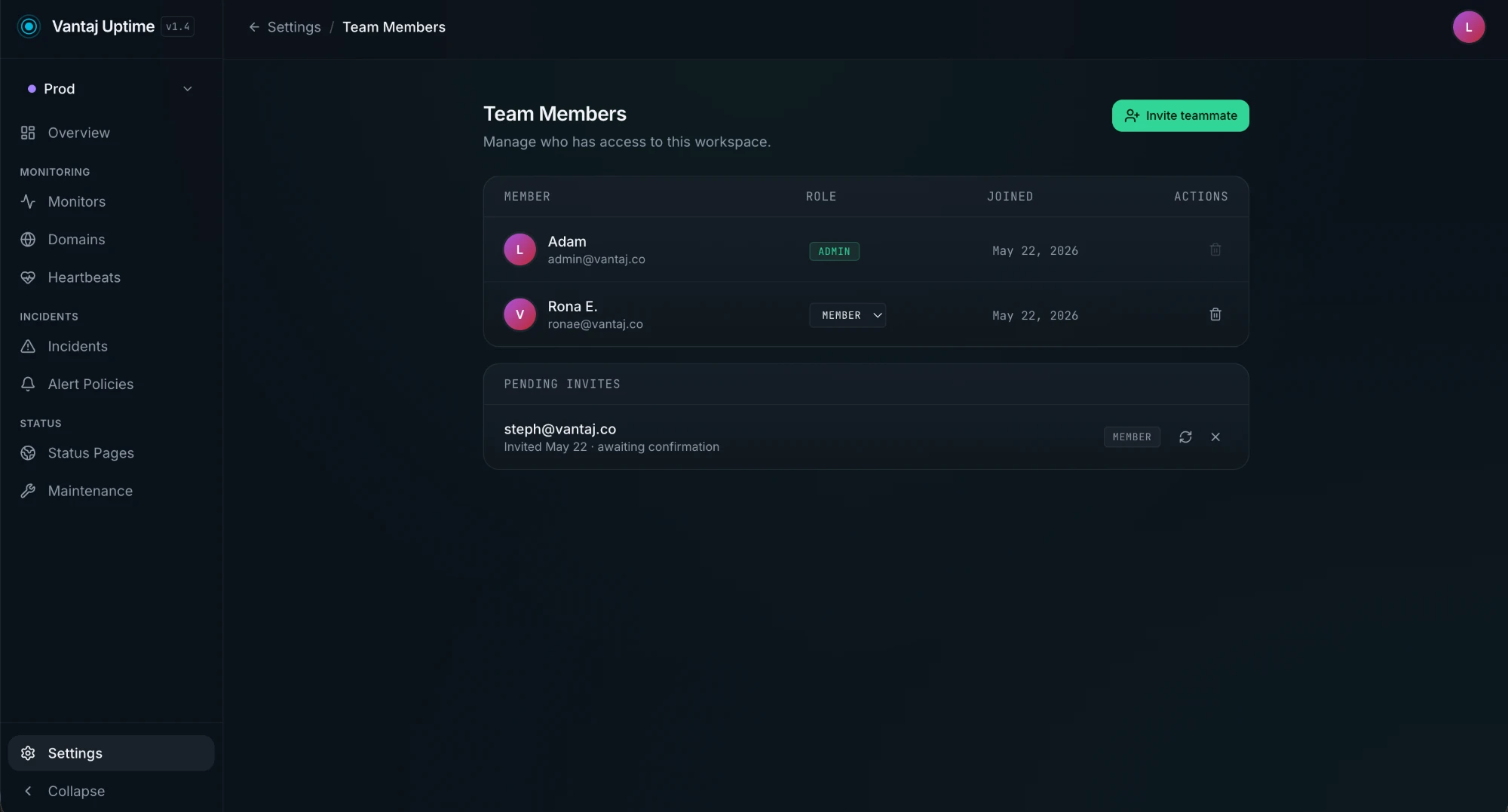
Roles
| Role | What they can do |
|---|---|
| Admin | Full access — invite members as Admin or Member, change roles, remove members, manage billing, and access all workspace settings |
| Member | Full access to monitors, incidents, heartbeats, domains, and status pages — can invite new teammates (as Member only), cannot manage billing or remove existing members |
Admins can change any member's role at any time from the Team Members page, except their own.
Inviting a teammate
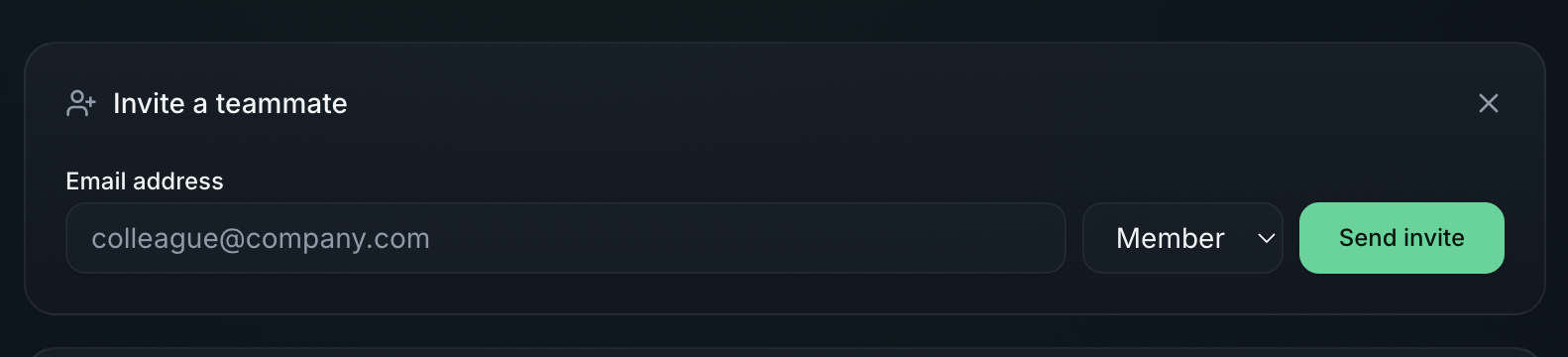
- Go to Settings → Team Members
- Click Invite teammate
- Enter the person's email address
- Select a role — Admins can choose Admin or Member; Members can only invite as Member
- Click Send invite
The invitee receives an email with a link to accept the invitation and set up their account. Until they accept, they appear in the Pending Invites section.
Pending invites
Invites that haven't been accepted yet are listed below the members table.
- Resend — click the refresh icon to re-send the invitation email
- Cancel — click the × icon and confirm to cancel the invite; the invitation link is immediately invalidated
Changing a member's role
Admins can change any other member's role directly from the members table — click the role dropdown next to their name and select the new role. The change takes effect immediately.
Removing a member
Click the trash icon on a member's row and confirm the removal. Removing a member:
- Revokes their access to the workspace immediately
- Does not delete any monitors, incidents, or other data they created
You cannot remove yourself from a workspace.
Billing access
The Billing settings page is only visible to Admins. Members are redirected to the main Settings page if they navigate to it directly.